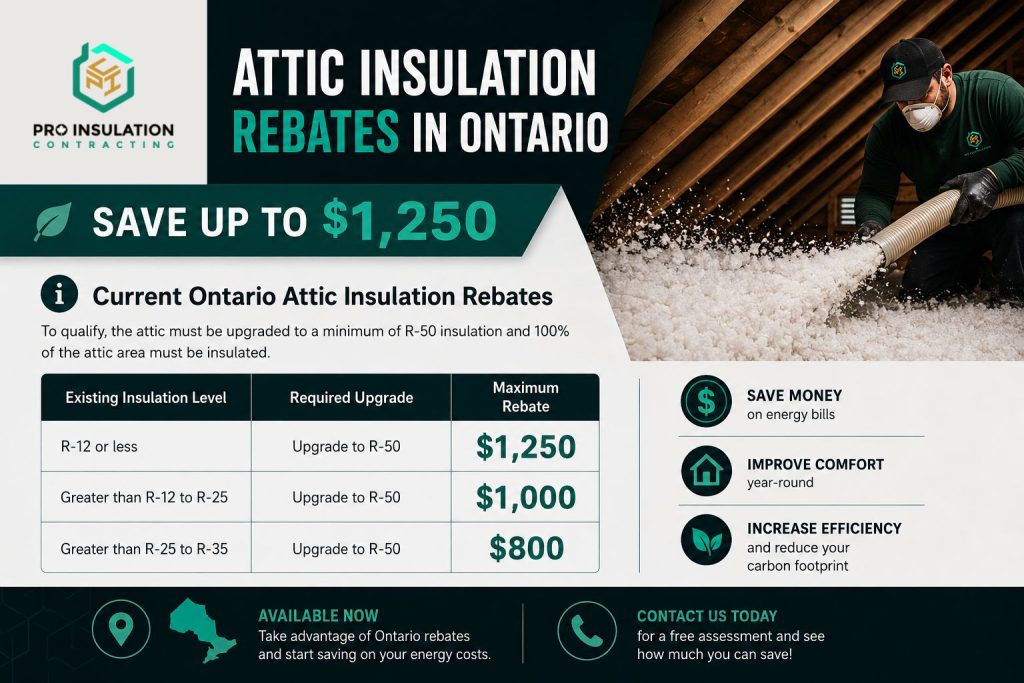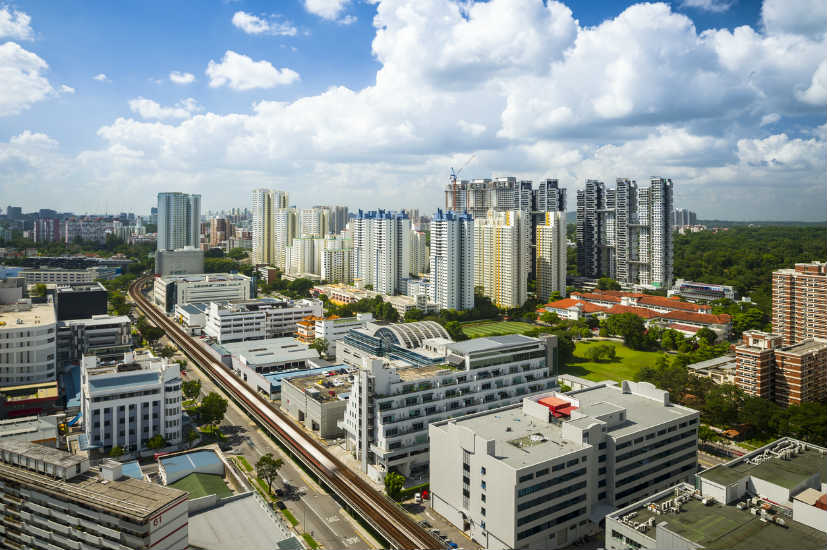

The visual dimension of digital content has rapidly evolved into the most critical driver of user engagement, audience retention, and brand identity. Today’s creators face an unprecedented demand for high-volume, original, and visually arresting graphics across website landing pages, social media platforms, digital campaigns, and marketing materials. However, traditional design workflows can often introduce bottleneck issues, requiring extensive graphic design expertise, expensive software subscriptions, and long turnaround times for iteration. Artificial intelligence has stepped in to bridge this gap, allowing marketers, writers, and designers to instantly translate imaginative concepts into polished, professional-grade visual assets without technical friction.
By mastering creative strategies for prompt construction and visual synthesis, creators can elevate their content strategy while dramatically cutting down production costs. Utilizing an intuitive AI image creator allows users to experiment with style transfers, complex lighting effects, and multi-layered compositions with minimal effort. Whether you are aiming to produce striking promotional banners or custom illustrative assets for articles, modern machine learning tools offer infinite artistic possibilities. Embracing these advanced visual workflows enables businesses and content creators to turn even the simplest concepts into breathtaking, attention-grabbing media that resonates with modern audiences.
1. Generating Custom Storyboards and Concept Art
Before embarking on full-scale video production, web development, or creative marketing campaigns, visual storytelling requires a clear roadmap. Using artificial intelligence to build custom storyboards and concept art allows creators to pre-visualize narrative arcs, scene lighting, camera perspectives, and character placement before spending resources on execution. Instead of relying on crude sketches or generic stock photos that roughly approximate your idea, AI generators can output cinematic scenes tailored precisely to your script’s specifications.
Directors and project managers can iterate through multiple stylistic variations—such as noir cinematography, vintage film grain, or futuristic cyber-aesthetic—in a matter of minutes. This rapid prototyping phase ensures that creative teams establish visual alignment early, minimizing costly revisions during actual production stages while maintaining creative momentum across complex collaborative projects.
2. Transforming Sketches into Polished Assets
One of the most powerful applications of modern visual AI is bridging the gap between raw hand-drawn ideas and refined digital art. Creators no longer need advanced digital painting skills to turn a rough whiteboard drawing, napkin sketch, or basic wireframe into a fully realized graphic asset. Advanced platforms like ChatGPT Images 2.5 enable image-to-image workflows where input sketches serve as structural guides for high-resolution rendering.
By providing a base composition along with descriptive text prompts, the model preserves your exact spatial layout while applying sophisticated textures, realistic depth of field, and dynamic studio illumination. This capability is exceptionally valuable for product designers, UI/UX engineers, and illustrators who need to present polished visual concepts to clients quickly without devoting hours to manual rendering and background detailing.
3. Designing Unique Marketing and Social Media Graphics
Social media platforms are saturated with repetitive template graphics and overused stock imagery that modern audiences quickly scroll past. Generative AI allows marketers to break through feed fatigue by designing bespoke promotional visuals customized for specific audience segments and seasonal campaigns. Instead of spending hours hunting through stock photo libraries for imagery that almost fits your brand message, you can generate exact scenes that align with your campaign’s narrative.
From hyper-realistic hero images for blog headers to surreal, attention-grabbing illustrations for social ads, AI tools give brands a distinct visual voice. Furthermore, marketers can rapidly test different visual styles—such as 3D isometric renders, vibrant vector art, or minimalist studio photography—to discover which aesthetic yields the highest click-through rates and audience engagement.
4. Creating Consistent Brand Mascots and Characters
Maintaining visual consistency across digital channels is essential for building strong brand recall, especially when developing character-driven marketing campaigns or educational tutorials. Historically, generating a single character in multiple poses, expressions, and environments required hiring a dedicated illustrator for lengthy contracts. Today, AI image tools permit creators to establish consistent character seeds, style references, and facial features across multiple generated outputs.
By reusing structured prompts and reference imagery, you can place your brand mascot into diverse scenarios—such as working at a desk, celebrating a milestone, or interacting with a product—while preserving signature clothing, hair color, and artistic style. This consistency fosters a cohesive visual narrative across email newsletters, customer onboarding flows, and social channels, giving your brand a relatable personality.
5. Crafting Photorealistic Product Environments
E-commerce businesses and physical product vendors often struggle with the enormous expenses associated with traditional commercial photography shoots. Renting studio spaces, arranging physical props, staging lighting, and hiring professional photographers for every new product line can quickly exhaust marketing budgets. AI image generation offers an efficient alternative by allowing sellers to place plain product images into virtually any photorealistic background environment.
Whether you need an organic skincare bottle resting on sunlit river stones, a luxury watch set against a sleek marble backdrop, or outdoor gear placed on a misty mountain trail, AI algorithms can render seamless shadows, reflections, and lighting integration. This enables e-commerce brands to produce diverse lifestyle imagery at scale, boosting conversion rates while significantly cutting logistics overhead.
6. Visualizing Complex Data and Infographic Elements
Communicating complex technical data or abstract business metrics through text alone often leads to low reader retention and engagement. While standard charts and graphs provide clarity, adding custom visual metaphors and illustrative elements makes data far more digestible and impactful. AI tools excel at creating specialized visual metaphors—such as digital brain networks to represent machine learning statistics, or glowing isometric buildings to illustrate real estate market growth.
These generated visual assets can be seamlessly integrated into infographics, executive presentations, white papers, and financial reports. By pairing structured data with compelling, thematic AI visuals, content creators can elevate dry statistics into memorable visual narratives that capture stakeholder attention and make technical documentation far more accessible to broad audiences.
7. Developing Dynamic Textures and Patterns for Web Design
Modern website design relies heavily on subtle textures, seamless background patterns, and custom UI accents to establish depth and premium brand aesthetics. Instead of relying on generic stock pattern libraries, web developers and UI designers can leverage AI to generate unique texture maps tailored precisely to a website’s color palette. From subtle geometric line art and organic watercolor gradients to dark-mode metallic textures and glassmorphism elements, AI prompt engineering offers granular control over visual outputs.
Designers can generate seamless tileable patterns that load quickly and scale beautifully across desktop and mobile viewports. This level of customization allows digital agencies to build truly bespoke online experiences, ensuring that every design element—from hero section backgrounds to micro-interactions—aligns perfectly with the client’s identity.
Final Thoughts
The rapid evolution of generative artificial intelligence has fundamentally democratized visual design, putting professional-grade creative capabilities into the hands of anyone with a compelling idea. By exploring creative techniques like sketch transformation, character consistency, photorealistic staging, and custom texture generation, creators can push beyond traditional visual boundaries while drastically streamlining their production workflows. The key to mastering these tools lies in continuous experimentation—learning how subtle changes in prompt phrasing, lighting descriptions, and visual references influence the final output.
As AI technology continues to advance, the distinction between manual artwork and machine synthesis will become increasingly fluid. Integrating these seven creative strategies into your visual content workflow will not only save valuable time and resources but also ensure that your digital assets consistently capture audience attention in an increasingly crowded visual landscape.
Frequently Asked Questions
Q1: Do I need extensive technical skills to generate high-quality AI visuals?
No, modern AI platforms are designed for intuitive operation through natural language prompts. While understanding basic composition, lighting terminology, and prompt structure helps improve results, prior coding or advanced graphic design experience is not required.
Q2: How do I ensure my generated AI images maintain high resolution for print or web?
Most AI generators produce web-ready resolutions by default. For large desktop displays or high-dpi print materials, you can utilize built-in or standalone AI upscaling tools that increase pixel density and sharpness without introducing blurriness or compression artifacts.
Q3: Can I generate commercial imagery without running into copyright issues?
Generally, images created using commercial AI platforms are cleared for personal and commercial usage according to their terms of service. However, it is essential to avoid using brand names, copyrighted characters, or trademarked logos in your text prompts to ensure compliance.
Q4: How can I prevent AI images from looking generic or artificial?
To achieve realistic, unique outputs, avoid using vague prompts like “a cool background.” Instead, incorporate specific artistic styles, camera lens types (such as 50mm or macro), natural lighting terms, and detailed sensory descriptions to guide the model effectively.
Q5: Is it possible to edit specific sections of an AI-generated image?
Yes, many modern AI platforms feature inpainting and outpainting capabilities. These tools allow you to highlight specific regions of an existing image and provide new text instructions to modify, replace, or expand individual elements without changing the rest of the layout.